Have you ever wondered who is looking at your Instagram photos? Maybe you want to know if a crush, an ex, or a new friend is checking your page. It is one of the most common questions on the internet. We all want to know who finds us interesting.
But can you actually find out? The internet is full of apps and rumors that say you can. In this article, we will explain the simple truth about Instagram privacy in 2026. We will look at what you can see, what you cannot see, and how to stay safe.
Does Instagram Let You See Who Views Your Profile?
The short answer is no.
Instagram does not have a feature that lets you see a list of people who visit your profile. It does not matter if you have a Personal account, a Business account, or a Creator account. There is no "Recent Visitors" list.
If someone searches for your name, clicks on your profile, and looks at your photos without liking them, you will never know. Instagram keeps this data private. They have officially stated many times that they do not share profile view data with users.
What Instagram Does Let You See
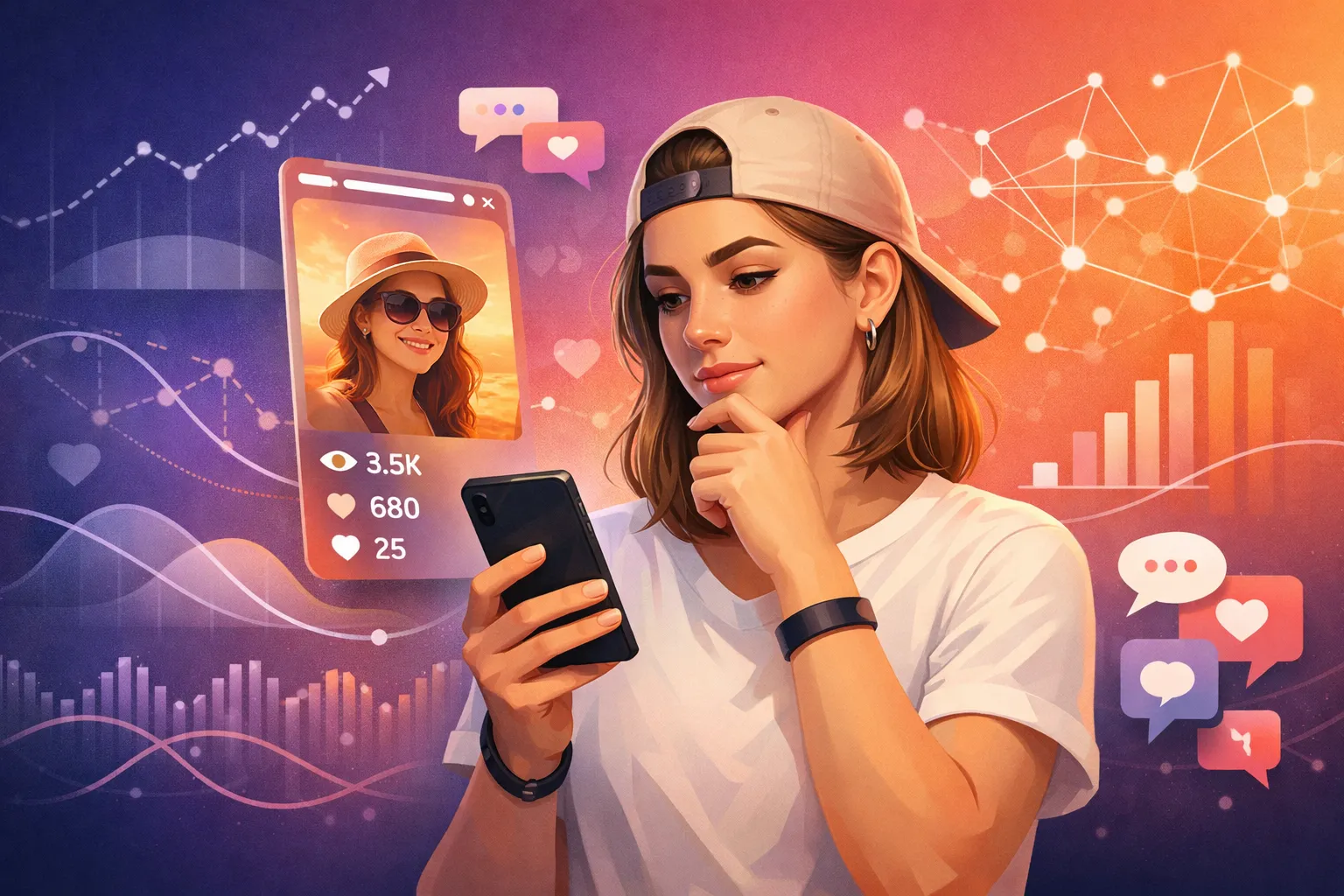
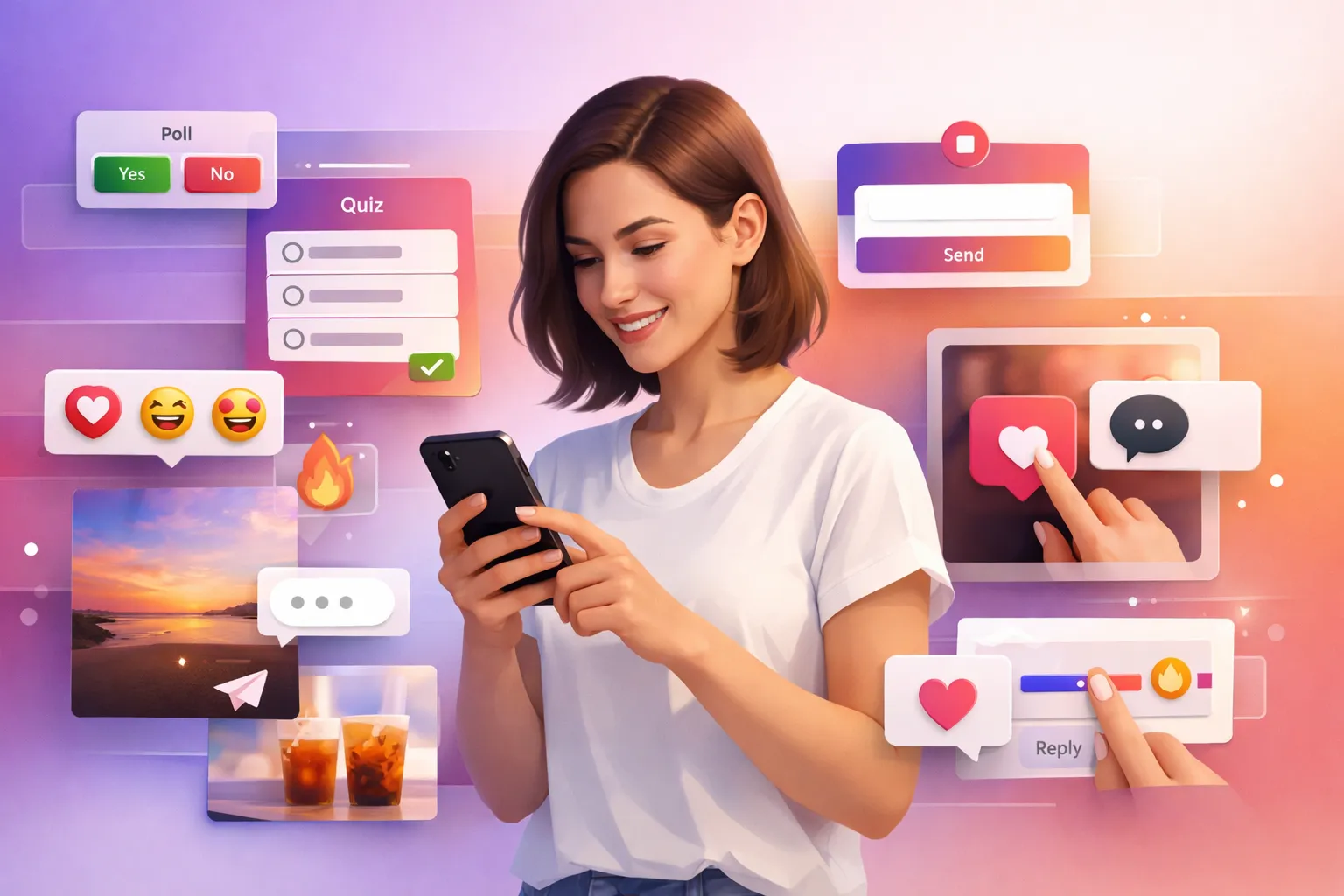
While you cannot see a list of "stalkers," Instagram does give you some clues about who is interacting with you. Here is what is visible:
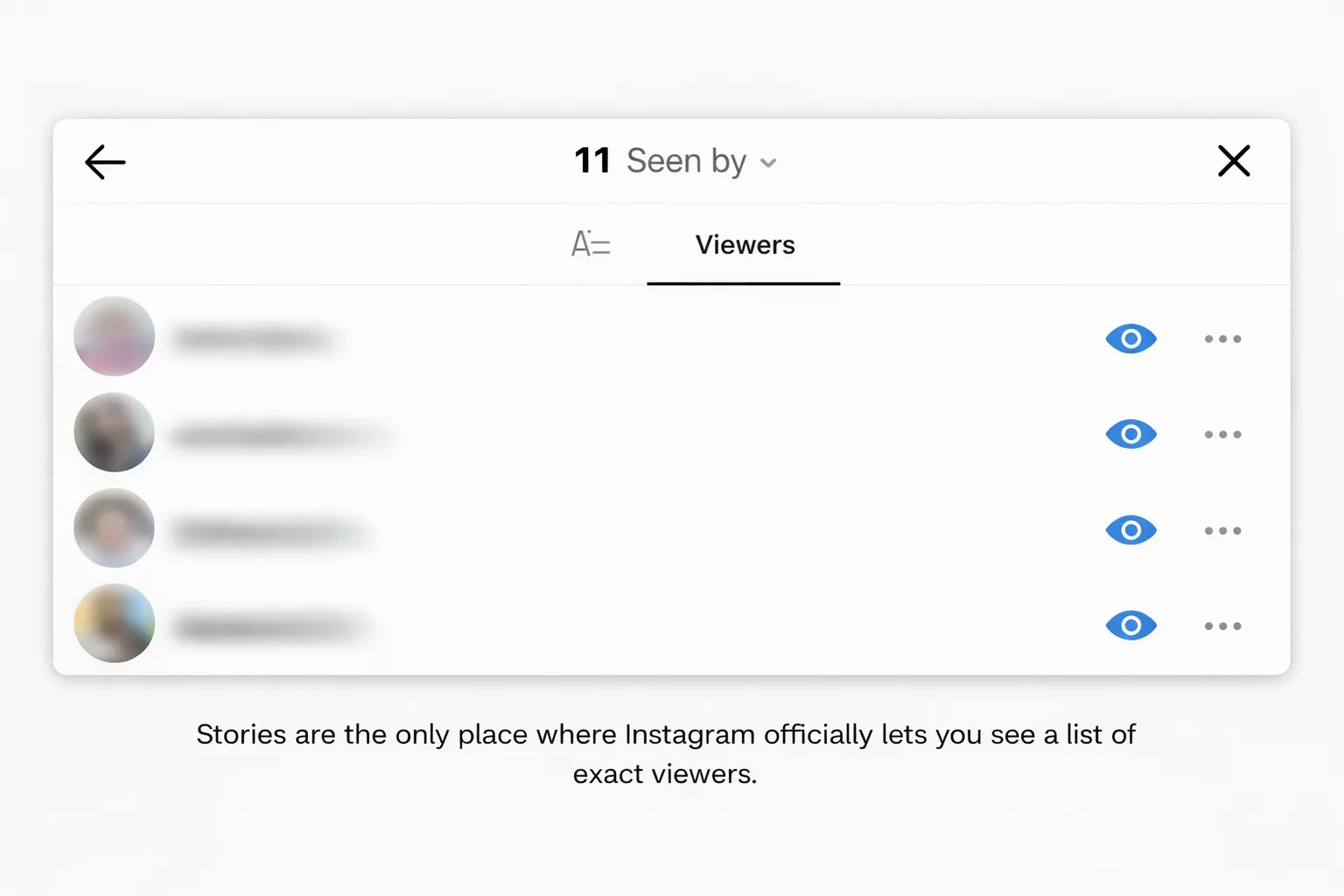
- Story Views: This is the only place where you can see exact names. If you post a story, you can swipe up to see a list of every single person who viewed it. This list is available for 24 to 48 hours.
- Likes and Comments: If someone likes a post or leaves a comment, you know they were on your profile.
- Instagram Insights (For Business/Creator): If you have a professional account, you get access to "Insights." This tool shows you numbers, not names. It can tell you:
- How many accounts you reached.
- The age range and gender of your visitors.
- Which cities or countries your visitors are from.
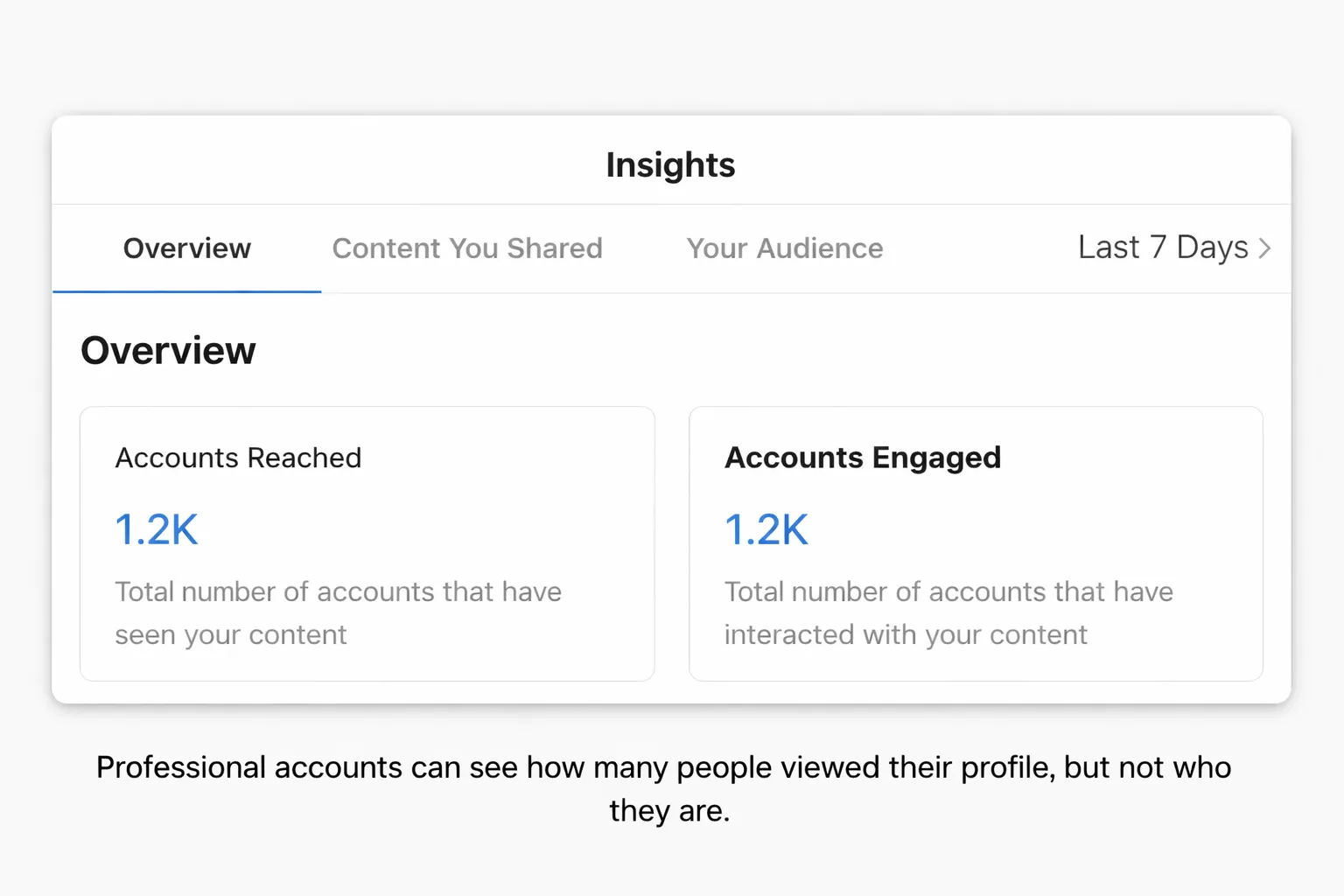
Example: You might see that 200 people visited your profile on Tuesday, but it will not tell you who those 200 people were.
Why You Cannot See Exact Profile Viewers
You might wonder, "Why doesn't Instagram just add this feature?" There are two main reasons:
- User Privacy: Instagram wants users to feel free to explore. If everyone knew you were looking at their page, you would probably click less. Privacy protects the viewer.
- Data Protection Laws: Strict laws (like GDPR in Europe) make it very difficult for companies to share detailed tracking data about users without their direct permission.
Safe Tools vs. Risky Apps
This is the most important part of this guide. You will see many apps in the App Store or Google Play that claim to show you "Who Viewed Your Profile."
The Danger of "Tracker" Apps
Do not download these apps. They are almost always scams.
- They cannot work: Instagram does not share profile view data with third-party apps. It is technically impossible for these apps to get that information.
- They guess: Most of these apps just show you a random list of your followers to make you think it is working.
- They are dangerous: These apps often ask for your Instagram password. If you give it to them, they can hack your account, post spam, or get your account banned.
Understanding "Viewer" Tools
There is a different type of tool called a "web viewer." These are not for tracking who visits you. Instead, they help people view public content easily. For example, ByViewer is a safe, web-based tool. It allows users to view public Instagram profiles and stories anonymously without logging in.
- What it does: It lets a user view a public profile without leaving a trace.
- What it does NOT do: It does not tell you who visited your profile. It does not hack private accounts.
Tools like ByViewer are useful if you want to check a public page without logging into the app, but they confirm the main rule: viewing is often anonymous, and tracking is impossible.
How to Protect Your Privacy on Instagram
Since you cannot see who is looking at you, the best defense is to control who can look. Here are three simple steps to stay safe in 2026:
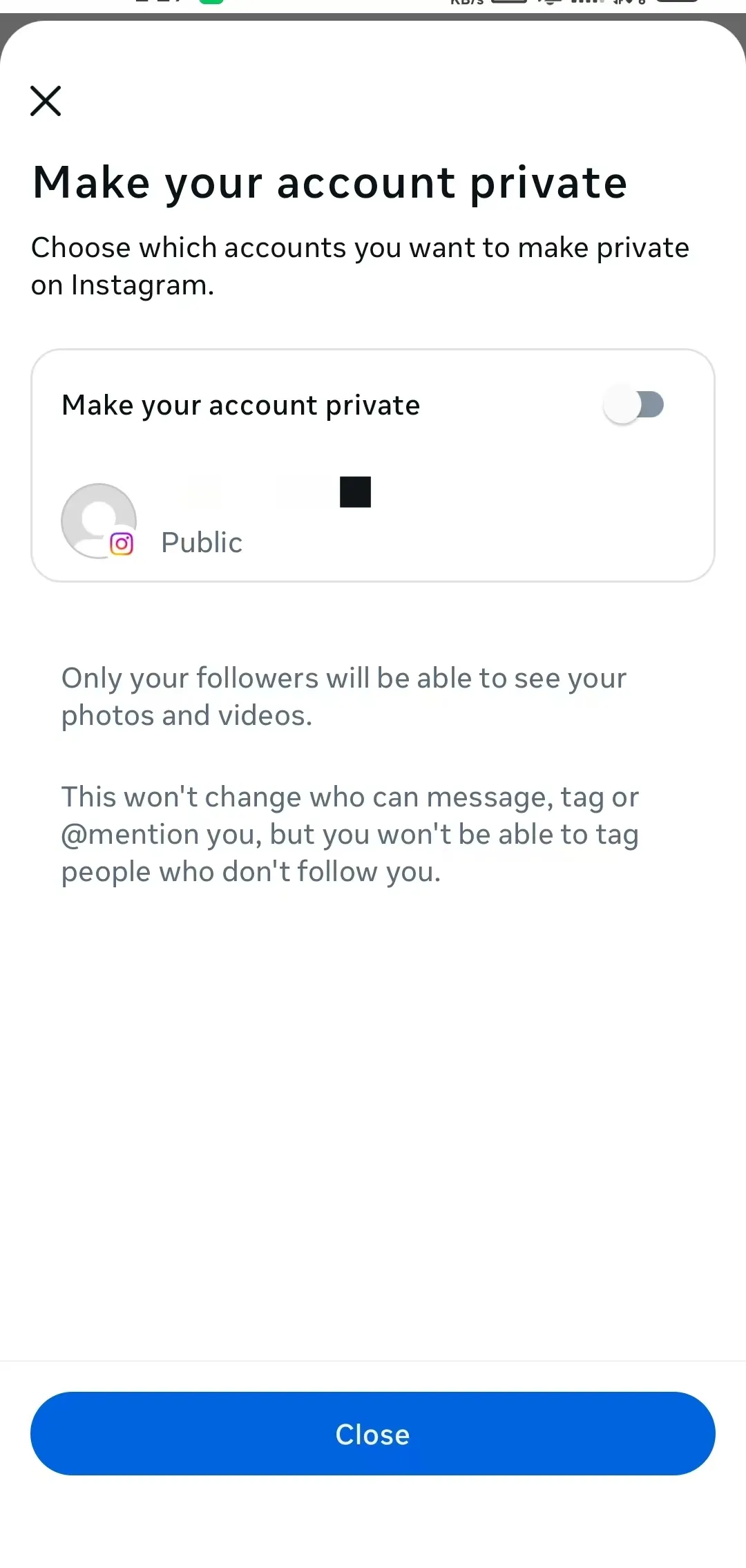
- Switch to a Private Account: This is the only way to stop strangers from seeing your posts. Go to Settings > Privacy and turn on "Private Account." Now, only people you approve can see your photos.
- Remove Unwanted Followers: Go to your followers list. If you see accounts you do not know or do not trust, click "Remove." They will not be notified.
- Use "Close Friends" for Stories: If you want to share personal moments, use the Close Friends list. This ensures only your trusted circle sees that content.
Frequently Asked Questions (FAQ)
Can I see who viewed my Instagram Story? Yes. You can see the exact list of viewers for your Story for up to 48 hours.
Can Instagram Business accounts see who viewed their profile? No. Business accounts see statistics (like "500 profile visits"), but they cannot see the names of the visitors.
Do third-party apps really work for tracking viewers? No. They are scams. Instagram does not give these apps access to viewer data. Do not use them.
Can someone tell if I look at their profile repeatedly? No. Unless you accidentally like a photo or watch their Story, they will never know you were there.
Does Instagram notify me when someone takes a screenshot? Only for "View Once" photos sent in Direct Messages (DMs). Screenshots of regular posts or profiles are not notified.
Can I see who viewed my Instagram Highlights? Yes, but only for 48 hours after you first posted the Story to the Highlight. After that, the list disappears.
Conclusion
The truth is simple: You cannot see who views your Instagram profile.
Instagram values privacy, and they do not share this information. While it might be frustrating to not know who is checking your page, it is also good news—it means your browsing history is private, too.
Remember to stay safe. Avoid apps that promise to show you "stalkers," as they are likely trying to steal your data. If you are worried about privacy, the best step is to make your account private and curate your followers list. Focus on creating great content for the people who interact with you—because Likes and Comments are the only real proof of who is watching.