Have you ever looked at a friend’s Instagram profile and wondered, "Do they know I’m here?" Or maybe you posted a new photo and secretly wished you could see a list of everyone who stopped by to look at it.
You are not alone. "Can I see who viewed my profile?" is one of the most common questions on the internet. Whether you are checking on a crush, keeping an eye on your kids, or just curious about your privacy, it is important to know exactly what Instagram shares and what it keeps hidden.
In this guide, we will explain exactly what you can see, what is totally private, and why you should be careful with apps that promise to show you more.
The Short Answer
No, Instagram does not have a "profile views" feature.
Unlike LinkedIn or TikTok (which sometimes have optional view history), Instagram does not let you see a list of people who visited your profile. It doesn’t matter if you have a personal account, a Creator account, or a Business account. You cannot see the names of people who simply look at your page or read your bio.
However, there are some specific ways to see who is interacting with you. Let’s break it down.
What Instagram Actually Shows You
While you can’t see "lurkers" (people who look without touching anything), Instagram does give you a list of names for certain activities.
Story Views (The 24-Hour List)
This is the only place where Instagram shows you a complete list of exactly who is watching.
- How it works: When you post a Story (photo or video), you can swipe up on it to see a list of every user who viewed it.
- The limit: This list is only available for 24 hours. Once the story disappears, the list is gone.
Highlight Views (The 48-Hour Rule)
If you save a Story to your "Highlights" (the circles on your profile), people can watch it weeks or months later. But you can't see their names forever.
- The limit: You can only see the names of viewers for 48 hours after the original story was posted.
- After 48 hours: You might see a "view count" (the total number), but the names of the people who watched it will vanish to protect their privacy.
Live Video Viewers
If you go "Live" on Instagram, you will see a stream of usernames pop up on your screen as people join. You can see exactly who is watching in real-time.
Likes and Comments
This is obvious, but it’s the most accurate way to know someone was there. If someone likes a post or leaves a comment, they are publicly telling you, "I viewed this."
What Instagram Does NOT Show
Instagram is very strict about privacy for "silent" browsing. You will never see names for the following:
- Profile Visitors: You cannot see who opened your main profile page.
- Post Viewers: If you post a regular photo or Reel, you can see how many people saw it, but not who they are (unless they like it).
- Screenshots: Instagram does not notify you if someone takes a screenshot of your posts, profile, or Stories. (Note: They do notify for screenshots of disappearing photos sent in private Direct Messages, but not public content).
- Searches: You cannot see who searched for your name in the search bar.
"Profile Visits" on Business Accounts
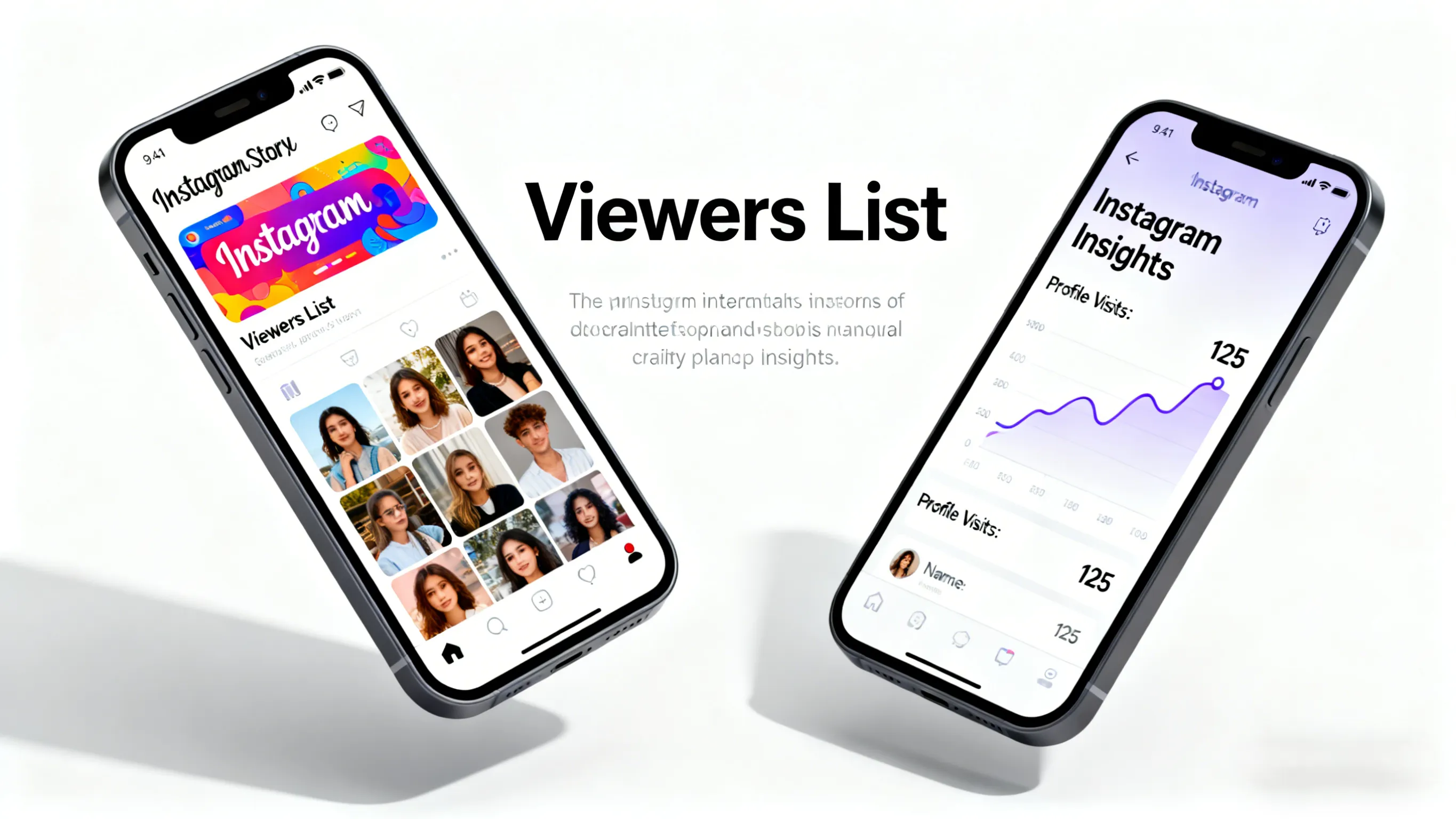
If you switch to a Business or Creator account, you get access to a special dashboard called Insights. This confuses many people. You will see a metric called "Profile Visits".
- What it looks like: "125 Profile Visits in the last 7 days."
- What it means: It tells you how many times your profile was opened.
- What it DOESN'T mean: It does not give you a list of names. You know that 125 people looked, but you don't know if it was your best friend, your neighbor, or a stranger.
Summary of Business Insights:
| Metric | What You See | Can You See Names? |
|---|---|---|
| Reach | Total number of unique accounts who saw your post. | No |
| Impressions | Total number of times your post was seen. | No |
| Profile Visits | How many times people clicked on your profile. | No |
| Saves | How many people saved your post to a collection. | No |
Common Myths & Scams (Please Read!)
Because people are so curious about profile views, scammers try to trick you. Here are the most dangerous myths:
Myth 1: "This App Will Show You Your Stalkers"
You might see apps in the App Store called "Who Viewed My Profile?" or "InstaStalker".
- The Truth: These are fake. Instagram does not share its private data with third-party apps.
- The Danger: These apps often guess randomly, show you a list of people you interact with often, or exist just to steal your password and hack your account. Never give your Instagram password to these apps.
Myth 2: "The Order of Story Viewers Means Something"
Some people believe the person at the top of your Story view list is "stalking" you.
- The Truth: Instagram has not confirmed this. The order is usually based on who you interact with most (people you message or like), not just who is looking at you.
Myth 3: "Business Accounts Can See Who Saved Their Photos"
- The Truth: Creators can see how many people saved a photo (e.g., "50 Saves"), but they cannot see the usernames of the people who saved it. Your "Saved" collection is private to you.
Tips for Understanding Your Audience
If you really want to know who is interested in your content without breaking the rules, try these safe methods:
- Use Story Stickers: Post a Story and use the "Poll" or "Question" sticker. Anyone who votes or answers is active and looking at your content.
- Check Your "Likes": Look at who likes your posts quickly after you upload them. These are your most active followers.
- Watch Your Story List: Since Stories are the only place with a viewer list, posting a Story is the best way to see who is currently active on your profile.
Frequently Asked Questions (FAQ)
Can I see who viewed my Instagram profile if I have a Business account? No. Business accounts show you numbers (statistics), like "50 people visited your profile," but they never show the names of those people.
Does Instagram notify me if someone screenshots my Story? No. Someone can screenshot your public Story, post, or profile without you knowing. Instagram only notifies you if someone screenshots a disappearing photo sent in a private DM.
Can I see who views my Highlights after 24 hours? You can see the list of names for 48 hours after you first posted the Story. After 48 hours, the names disappear, and you can only see the view count.
Are "Who Viewed My Profile" apps safe? No. Most of them are scams designed to steal your data or show you fake lists. Instagram does not allow any app to track profile visitors.
Can people see if I look at their profile? No. If you just look at their profile, scroll through their photos, or read their bio, they will never know. They only know if you view their Story, like a post, or comment.
Conclusion
To summarize: Instagram does not show profile views.
If you are worried about your privacy, you can rest easy knowing that people cannot see when you visit their profile. On the flip side, if you are a creator wanting to see who is visiting you, you will have to rely on Story views, likes, and comments.
Remember to stay safe: avoid third-party apps that claim to show you "secret" data. They don't work, and they put your account at risk. Stick to the official Insights Instagram provides, and focus on creating great content for the people who do engage with you!